Webshots is primarily an application for Windows and macOS so your first action should be to install it.
You can install the Windows app by clicking here →
We have more information on installing (and macOS) here →
This page has links to Webshots installers as well as links to installer guides.
You can install the Windows app from the Microsoft Store by clicking here →
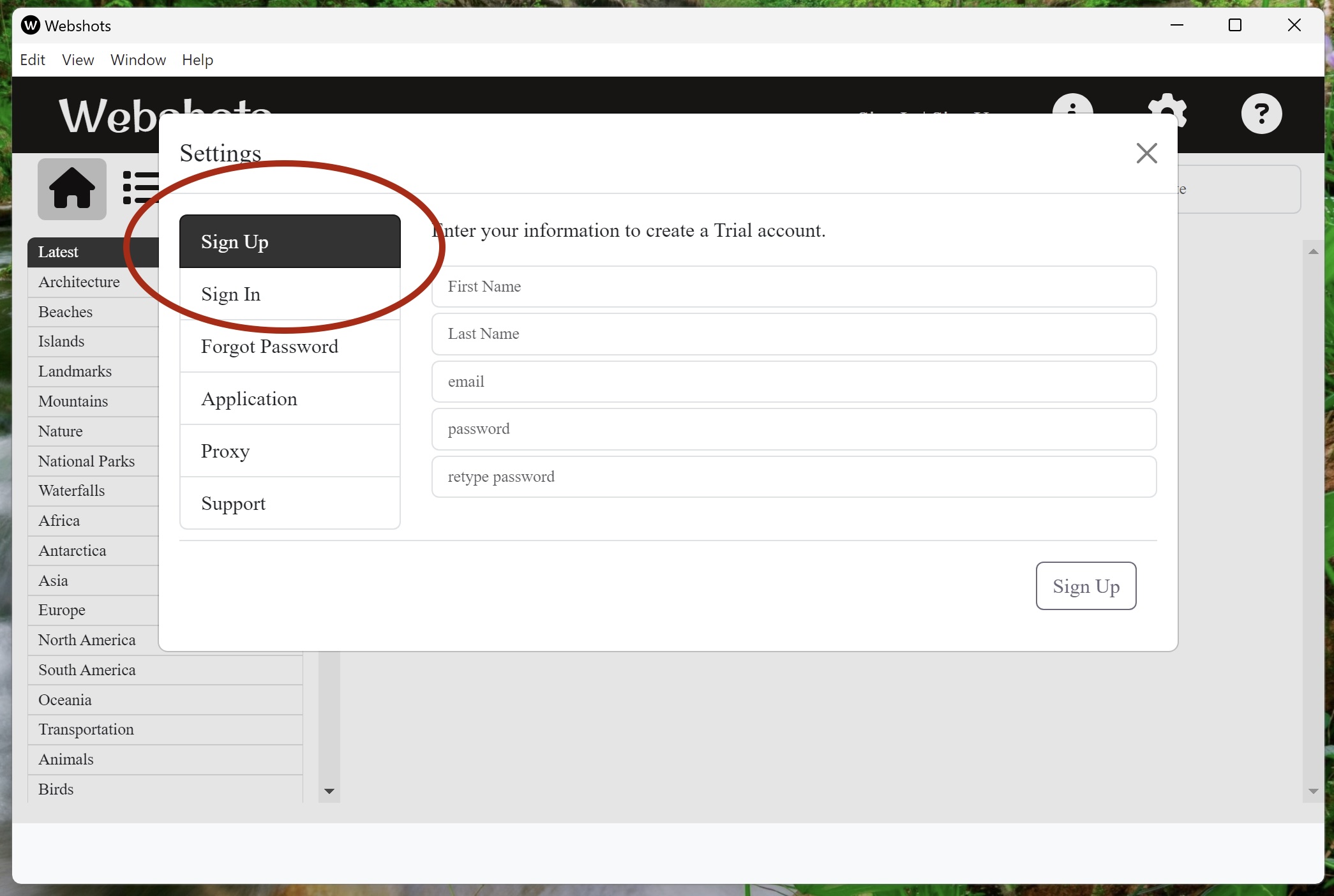
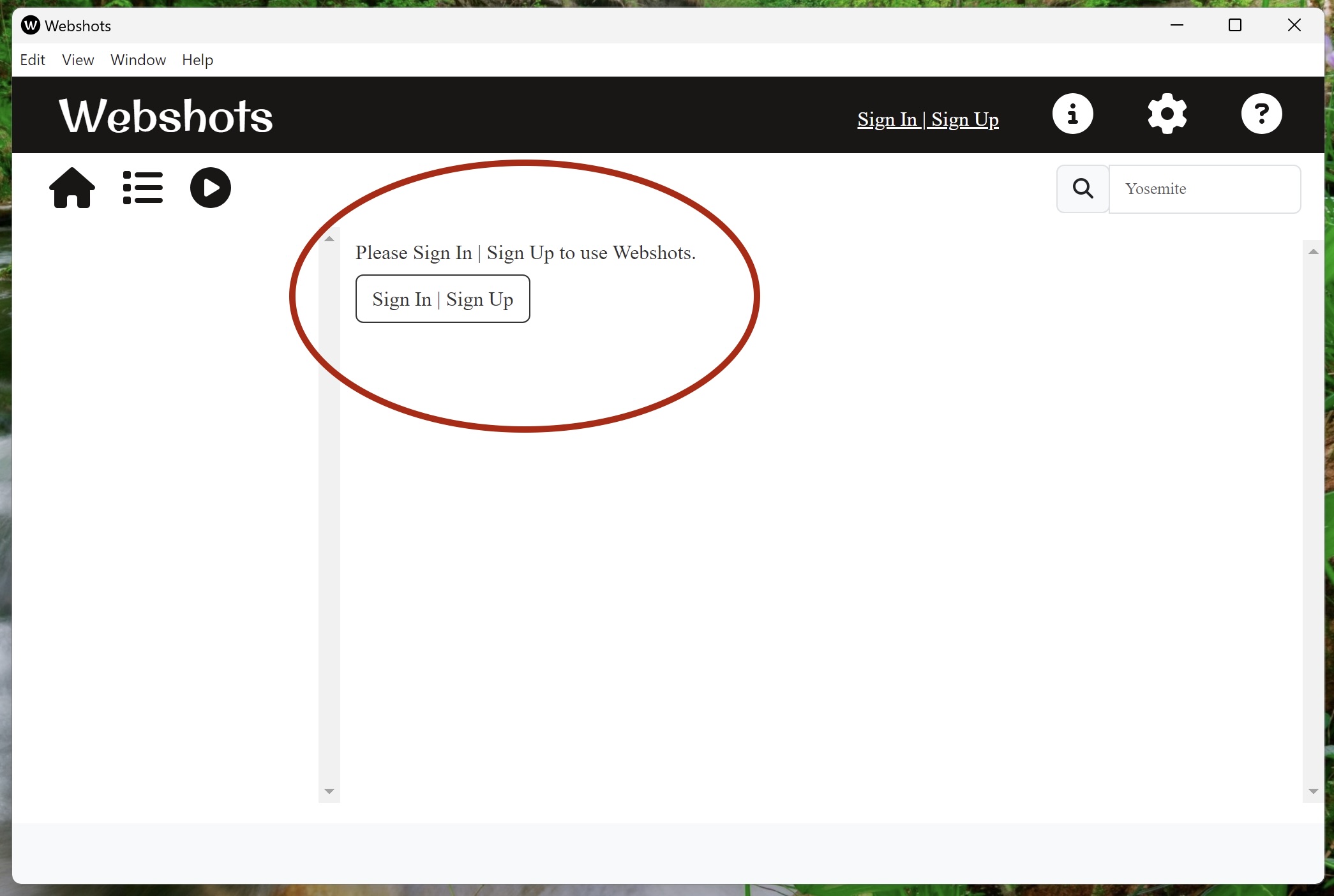
After installing, click the Sign Up | Sign In buttons to Sign Up or Sign In
After this, click where it says Sign Up to make a new account